
Autoscale
Set the scale from the drawing, not the title block.
Autoscale reads the dimension strings on the sheet, finds the lines they label and votes on the true scale. It works on reduced prints where the written scale is wrong.
A-101 First Floor Plan
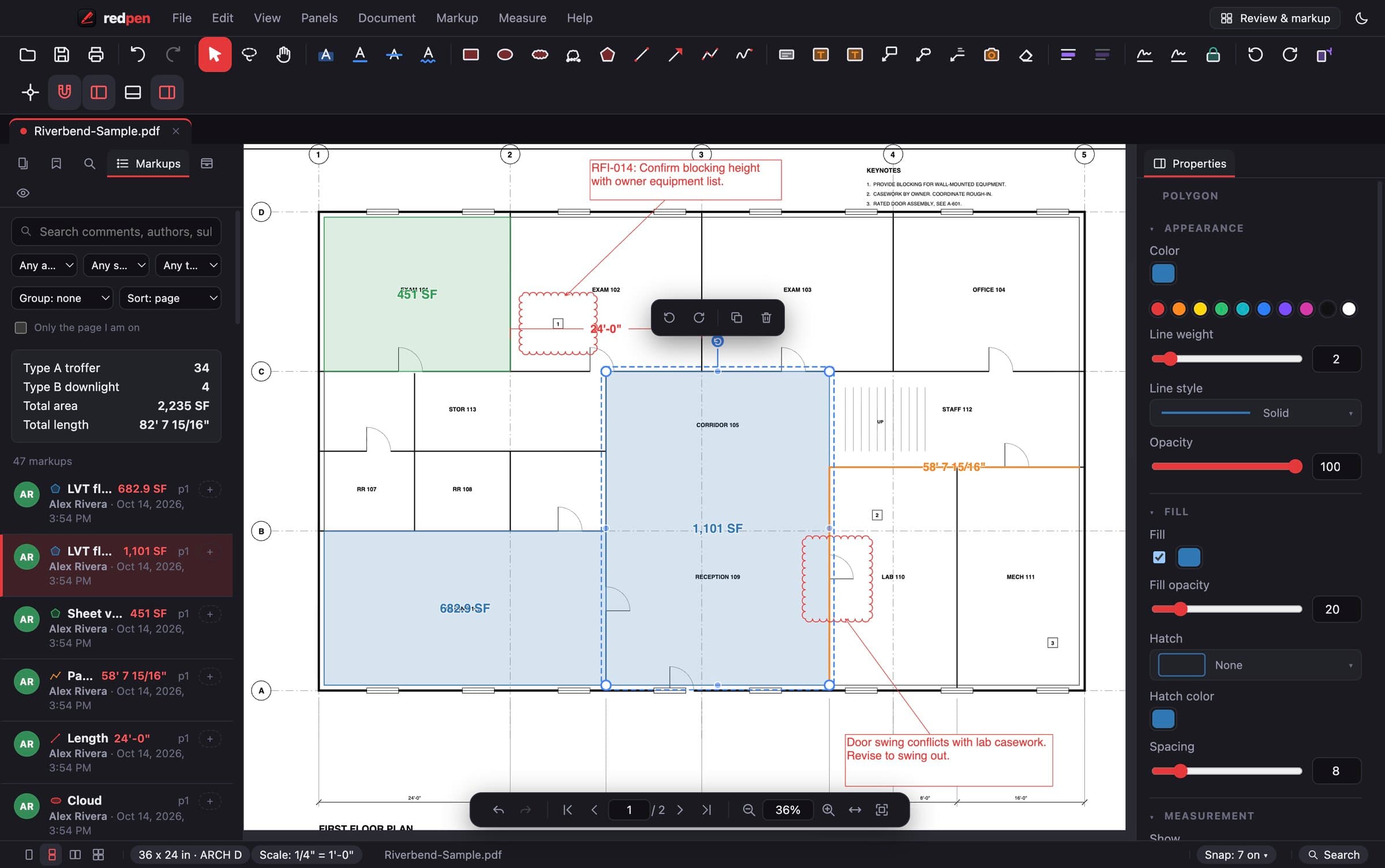
Reads the drawn dimensions
The scale note says one thing, the dimensions say another. Autoscale checks the numbers actually printed on the sheet.
Works on reduced prints
Half-size and fit-to-page prints break the scale note. Autoscale does not depend on it.
Autoscale an area
Point it at one viewport when a sheet has details drawn at different scales.
Calibrate by hand when you want to
Click two points, type the real distance. Presets cover architectural, engineering and metric scales.
How it works
Three steps.
- 1Open the sheet
Drag in the PDF. Vector and scanned sheets both work.
- 2Run Autoscale
Redpen finds dimension strings, matches them to the lines they label and picks the scale they agree on.
- 3Check and measure
Confirm against a known dimension, then take off lengths, areas and counts in real units.
Also included
Details that matter.
- Per page or for the whole set
- Autoscale an area for mixed-scale sheets
- Manual calibration and scale presets
- Every measurement after it updates in real units
Questions
Autoscale: short answers.
What if a sheet has no dimension strings?
Use Calibrate: click two points on something you know the length of and type the distance. Presets cover the standard architectural, engineering and metric scales.
Can I set a different scale on each page?
Yes. Scale can be set per page or applied across the whole set.
Does it work on scanned drawings?
Run OCR first to make a scanned set searchable. Measurements work on any PDF once the scale is set.
Put Redpen on your next bid set.
14 days of every feature. No credit card. If it doesn't save you time on the first set, don't keep it.