How to set the scale on a construction PDF.
Four steps.
- 1Check the note against a written dimension
Pick a dimension printed on the sheet and compare it to what the scale note would give. A sheet that was resized or plotted at half size will not match.
- 2Choose how to set it
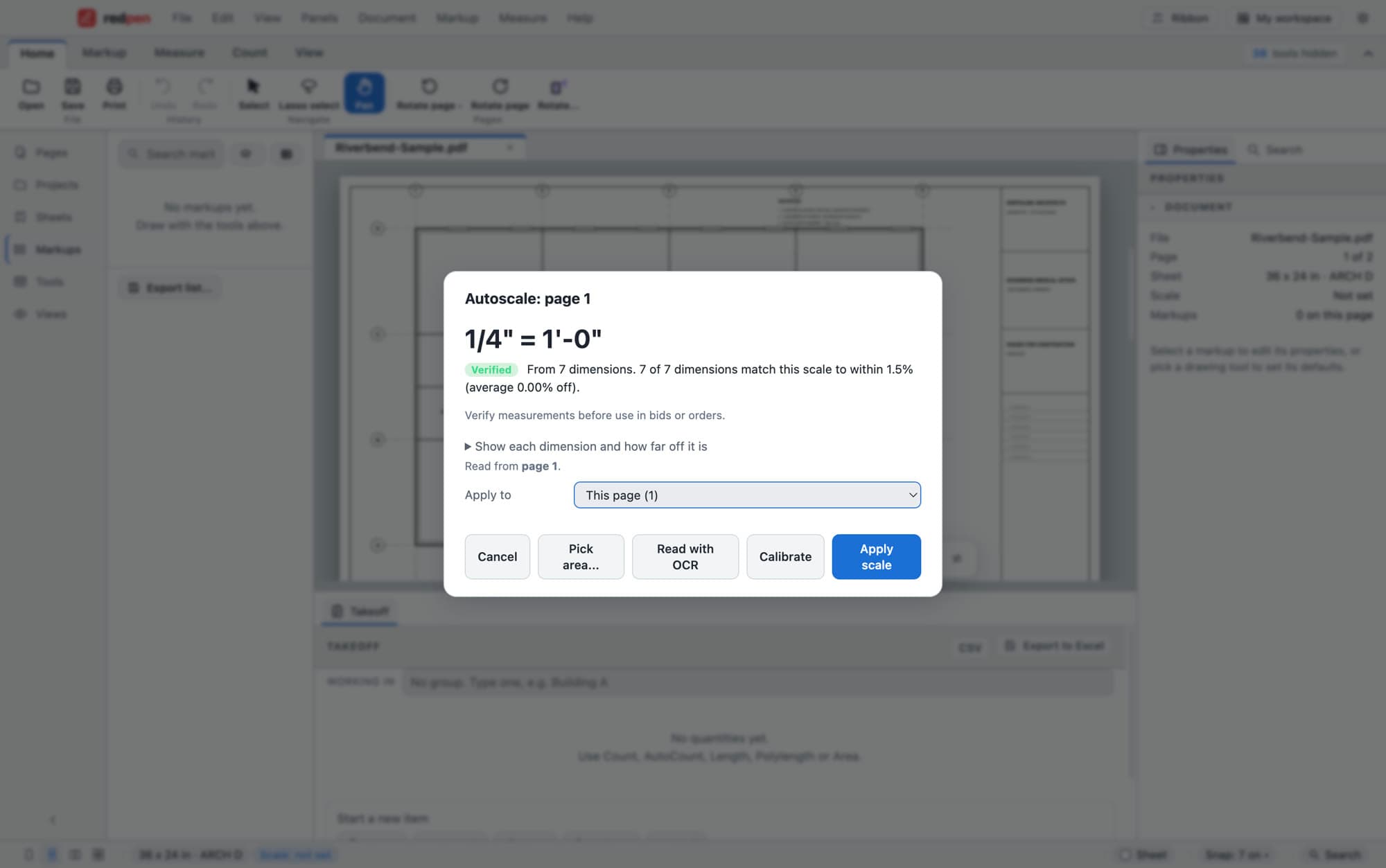
Pick a preset (architectural, engineering or metric) when the note is right. Calibrate by clicking two points and typing the real distance when you know one length. Run Autoscale to read the printed dimensions and find the scale for you.
- 3Apply it to the page or the whole set
Apply the scale to this page, a range or every page. Sheets with details drawn at a different scale can have their own scale for just that area.
- 4Test it on a length you know
Measure something with a written dimension. If the number matches, you are ready to measure.
A sheet printed to PDF at a different size keeps its old scale note. Trust the dimensions, not the title block.
A 3/4 inch detail on a 1/8 inch plan needs its own scale, or every measurement in it will be wrong.
Autoscale shows how many dimensions agree and how far off each one is. Look at that before you rely on it.
Short answers.
How do I know the scale on a PDF is wrong?
What is Autoscale?
Can one sheet have two scales?
Can I set the scale on every page at once?
Screenshots use a sample plan, not a real project.
Put Redpen on your next bid set.
14 days of every feature. No credit card. If it doesn't save you time on the first set, don't keep it.