A free PDF app for the documents you actually have.
Fill in the form, add your signature, comment on the draft, compare a page with the last version, print it. No account to view, and no files sent anywhere.
Windows & Mac · No credit card · Your files stay on your computer
The sample form is a fictional one-page application with text boxes, tick boxes, a drop-down and a signature line. Fill and sign it, step by step
Six jobs an ordinary document needs.
Nothing here sits behind a trial. It stays free.
Fill in a form
Type into the fields of any PDF form and save it. The answers stay in the file for whoever opens it next.
Sign it
Place a drawn or typed signature, a picture of your signature on the page. To send a document out for signature, DocuSign works through your own DocuSign account.
Read it
Open any PDF, any size, from folders, recent files and synced cloud folders on your own disk. Find text with whole-word and pattern search, also across a folder of PDFs, and read in split view with rulers and a grid when you need them.
Comment on it
Highlight, underline and strike out text, add notes, stamps, hyperlinks and file attachments. The markups list shows status and author, filters and groups, and exports to Excel or CSV with your own columns.
Compare a page
Compare a page with an older version: the changes are clouded on their own layer, stepped through one by one and listed to CSV.
Tidy it and send it
Insert, delete, extract, rotate, reorder, crop, combine and split pages. Watermark and password protect. Print, print an area, save, email, or reduce the file for email.
The full list, nothing held back.
Every row below is in the Free plan. Snapping, the command bar and workspaces are open on every plan.
Everyday PDFs
- Open any PDF, any size · Folders, recent files and synced cloud folders, opened from your own disk
- Views, zoom, split view, rulers and grid
- Find text, with whole-word and pattern search · Also searches a folder of PDFs
- Fill in forms
- Drawn or typed signature · A picture of your signature placed on the page
- Send for signature with DocuSign · Uses your own DocuSign account
- New PDF from blank pages or pictures
- Print, print an area, save, email and reduce for email
Markup and review
- Clouds, callouts, arrows, text boxes and shapes
- Highlight, underline and strike out text
- Notes, stamps, hyperlinks, file attachments and snapshots
- Markups list with status, author, filters and grouping
- Markups list to Excel or CSV, with your own columns
- Format painter, group, align and distribute
- Flatten and unflatten markups
- Compare a page with an older version · Changes clouded on their own layer, stepped through and listed to CSV
Measurement
- Snapping to ends, midpoints, centres, intersections and more · Works on every markup, and earns its keep when measuring
Documents
- Organise pages · Insert, delete, extract, rotate, reorder, crop, combine and split
- Watermark and password protect
Workflow
- Command bar · Ctrl+K or / finds any command
- Tool Chest of reusable tools · Folders, and imports .btx tool sets
- Workspaces for different kinds of work · Save your own
- Rebind any shortcut
- Ribbon, classic or compact toolbar
- Recovery copy after a crash
- Works offline · A paid plan checks in at least every 14 days
What Office and Pro add.
If you never need these, you never pay. The free plan doesn't shrink after a trial.
Every new account can try Office or Pro free for 14 days, no card. Compare plans
Office
$79 a year per seat- Edit text, whiteout, headers and footers
- OCR: make scans searchable, offline
- Make PDFs fillable
- Redact by drawing boxes
- Remove hidden information and check before sending
- Sign with a digital ID
- Quote check, AP stamps and audit tick marks
Pro, and Team on every seat
$199 a year- Scale · Calibrate, or let Autoscale read the dimensions printed on the sheet.
- Measurement · Every measure tool, in real units, with snapping.
- Counts and takeoff · Count by hand or with AutoCount, total by item, export the quantities.
- Drawing sets and revisions · Compare a revised set, overlay sheets, slip sheets in, link sheet references.
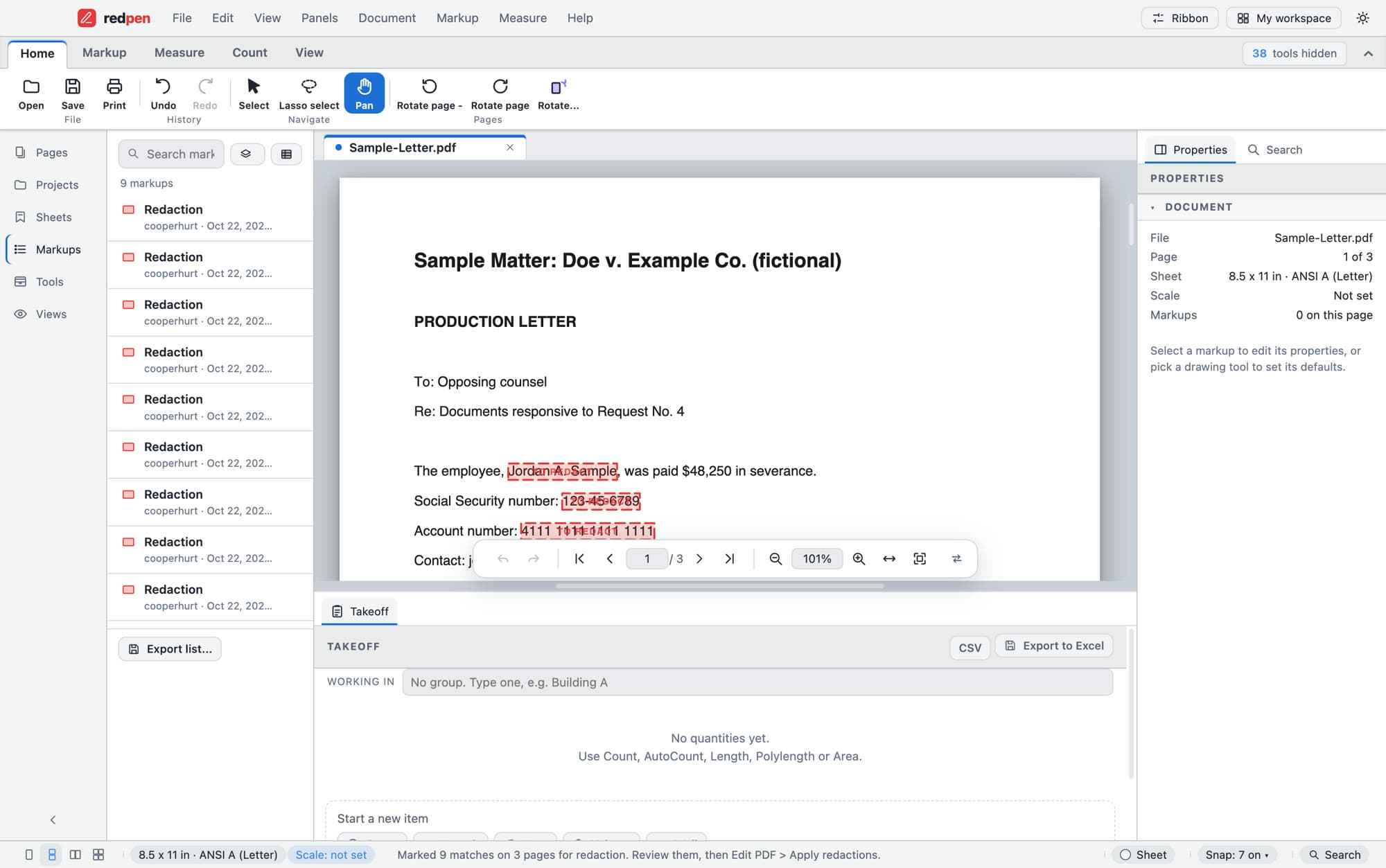
- Redact by search and pattern, with a redaction log
- Bates numbering and production index
About the free app.
Is it really free?
What kind of signature is free?
How can it be free?
Does it work on Mac?
Are my files uploaded?
Will my markups show up for other people?
What if I need more later?
Your PDFs deserve a better home.
Download Redpen and open your first PDF in a minute. The free app needs no account. Every new account can try Office or Pro free for 14 days, no card.
Windows & Mac · No credit card · Your files stay on your computer